Self development
One calm place for your day, mind, health and money.
Plan your day, build habits, check in with how you feel, track your fasting and keep your money in view. Zenithra brings it together, so you can stop juggling five different apps.
For iPhone and Android. A subscription is required; see the app for the price in your currency.
Four areas, one app
Everything that shapes your day, side by side
Your habits, your mood, your health and your money are not separate parts of your life. Zenithra keeps them together so you can see how they connect.
Plan it
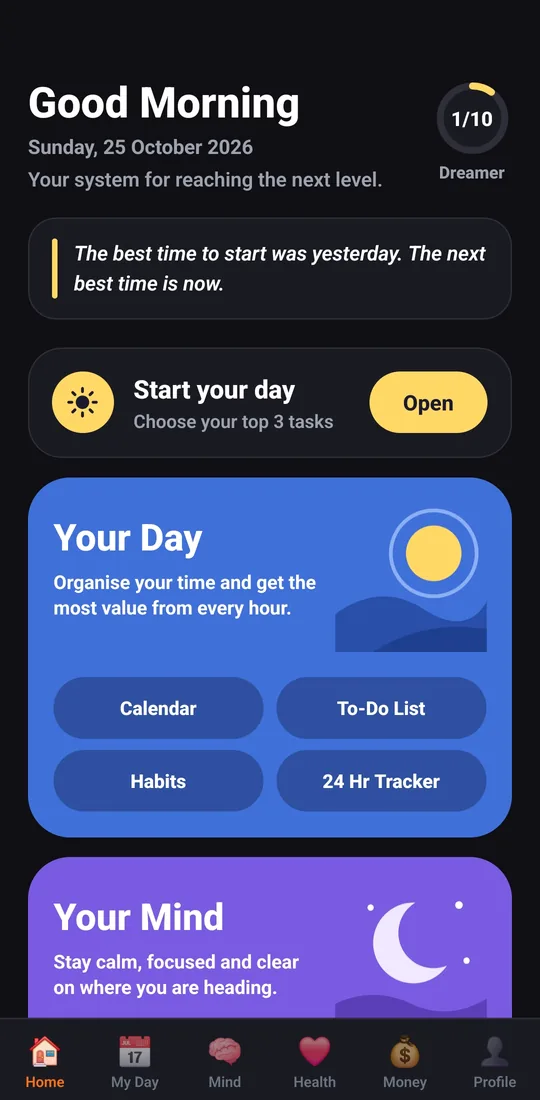
A to-do list with priorities, a calendar, habits and a 24-hour activity tracker.
Check in
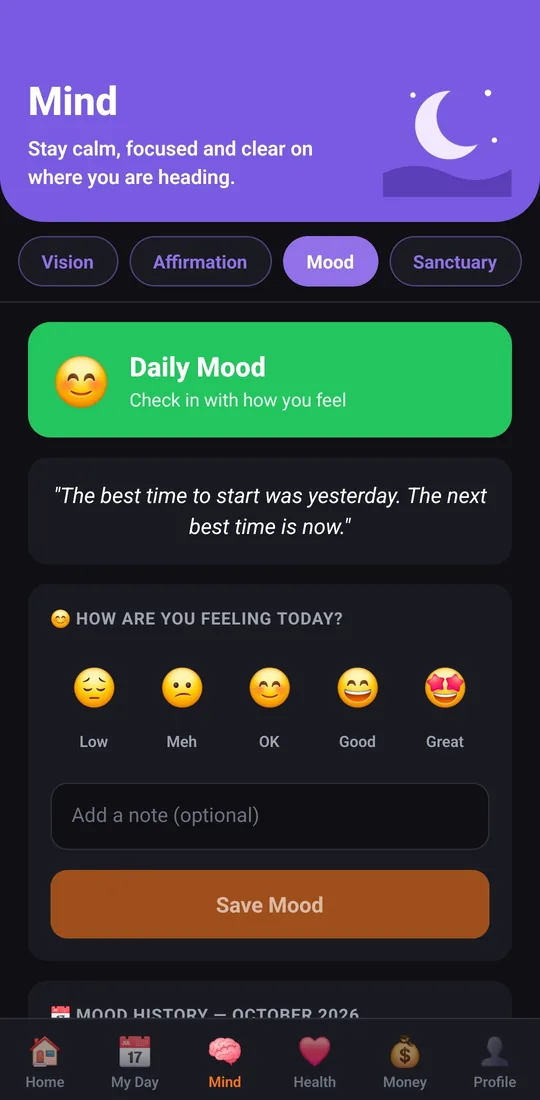
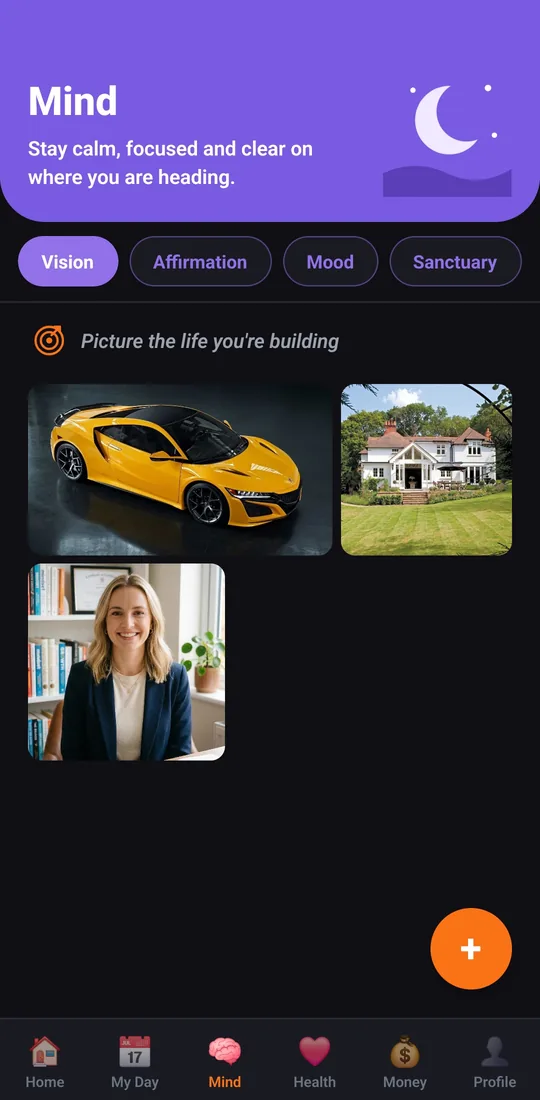
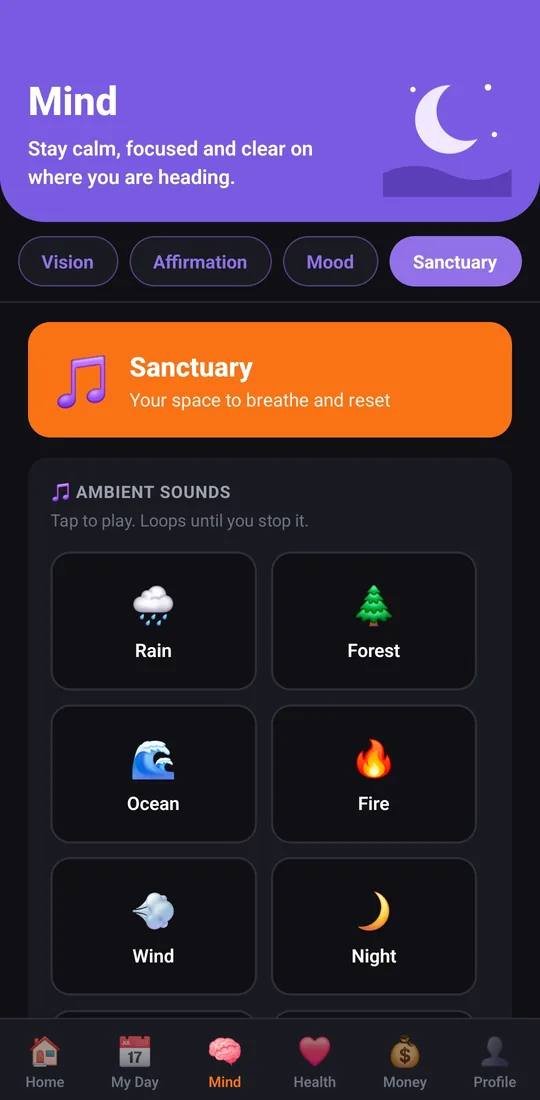
Daily mood check-ins, affirmations, a vision board and calming sounds to reset.
Look after yourself
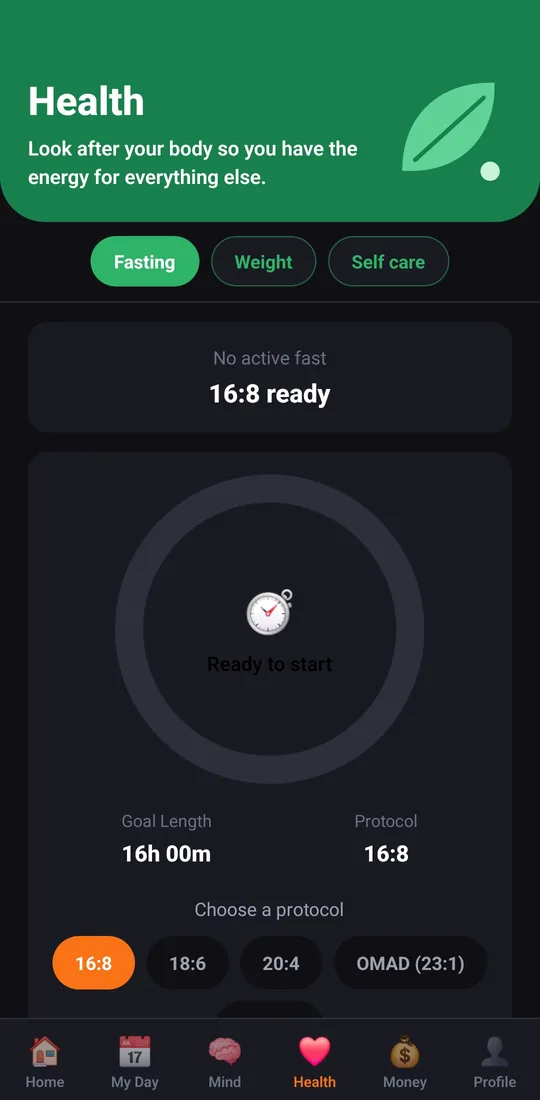
An intermittent fasting timer, weight goals with BMI, and self-care tools.
Keep it in view
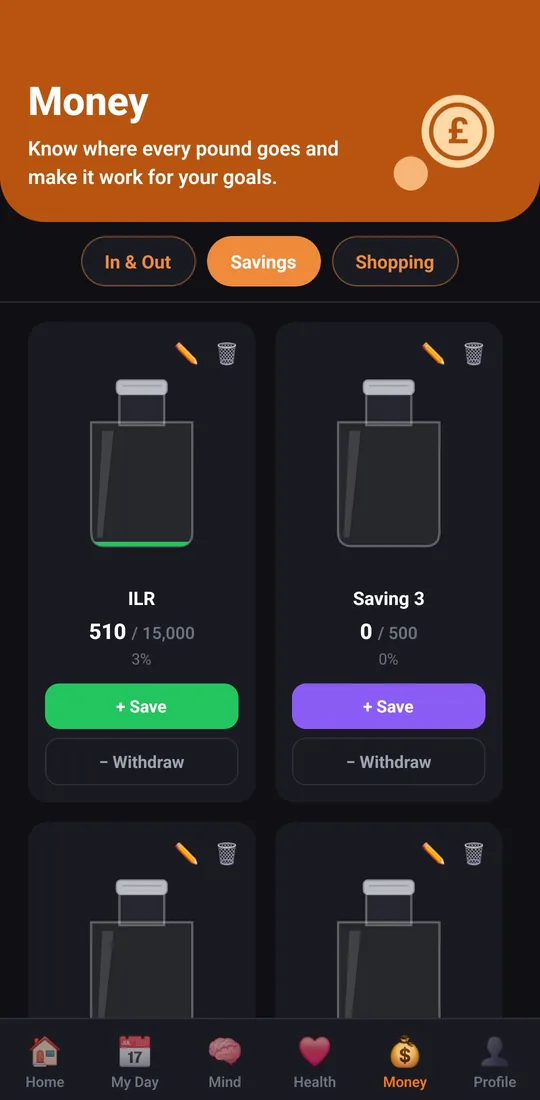
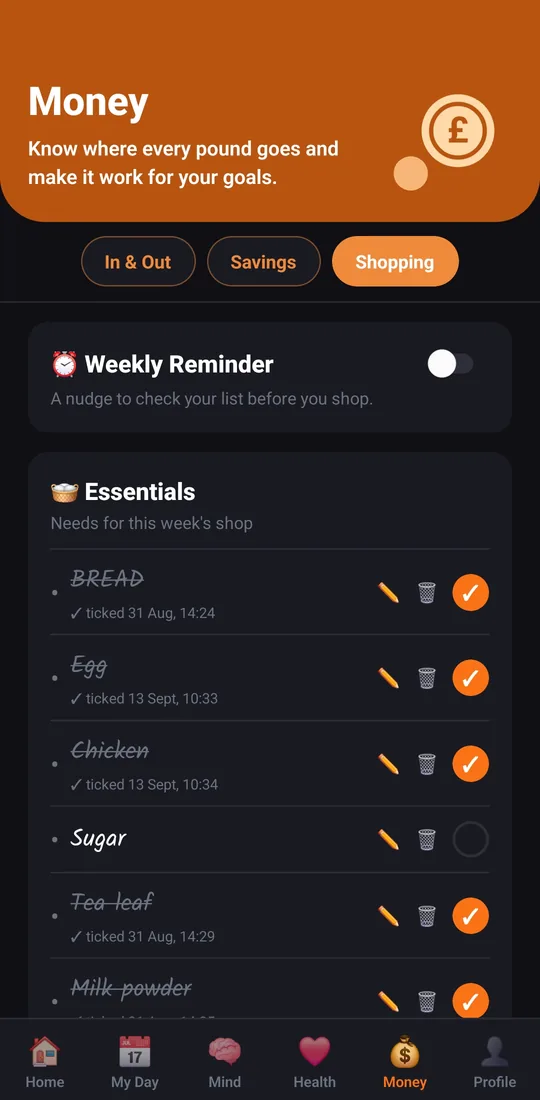
Income and expenses, savings jars for your goals, and a shopping list.
Inside the app
A look at Zenithra
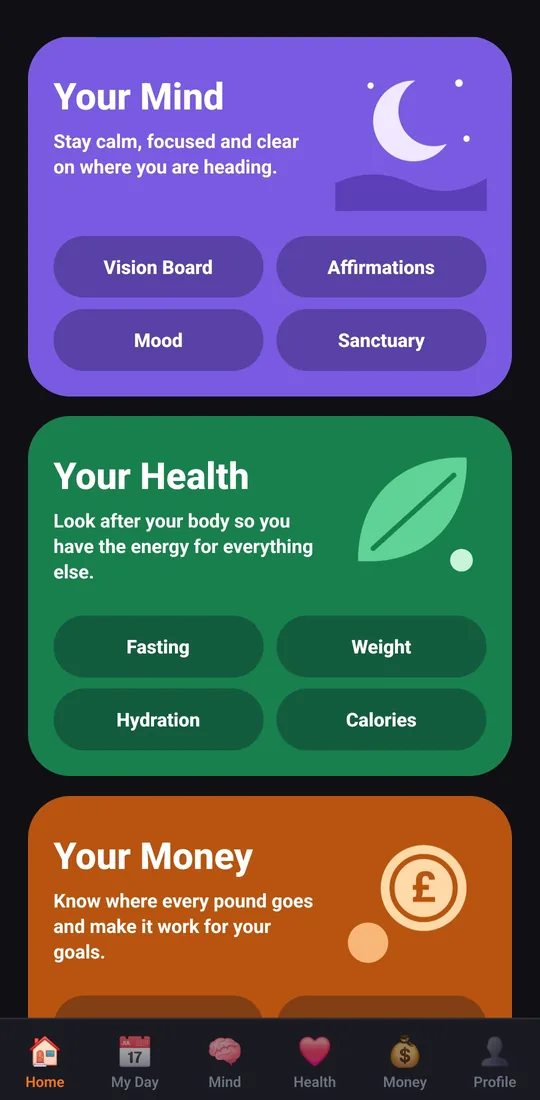
Real screens from the app. Swipe to see more.
The problem
Too many apps. Too little follow-through.
Most people do not struggle because they lack motivation. Their life is spread across too many places: one app for tasks, another for habits, a spreadsheet for money, a timer for fasting. It is easy to lose track, feel overwhelmed and give up.
Zenithra puts it in one calm app. One place to plan, one place to check in, one place to see your progress.
Start your day
Choose your top three tasks and begin.
Check in
Take a minute for your mood, your habits and your money.
Keep going
Small steps, every day. Watch your progress grow.
Questions
Quick answers
What is Zenithra?
Zenithra is a self-development app that puts your day, mind, health and money in one calm place. You can plan your day with a to-do list, calendar and habits, check in with your mood, keep a vision board, time your fasts, and track your money with savings jars and a shopping list.
Is Zenithra free?
Zenithra uses a subscription. The price, and any free trial that is available to you, is shown on the subscription screen in the app and in the App Store or Google Play, in your local currency, before you pay.
Which phones does it work on?
Zenithra is available for iPhone from the App Store and for Android phones from Google Play.
How do I cancel my subscription?
Your subscription is managed by Apple or Google, so you cancel it with them, not in the app.
iPhone: open Settings, tap your name, tap Subscriptions, choose Zenithra, then tap Cancel Subscription.
Android: open the Google Play app, tap your profile picture, choose Payments & subscriptions, then Subscriptions, choose Zenithra and tap Cancel subscription.
If you cancel, you keep access until the end of the period you have paid for. If you started a free trial, cancel at least 24 hours before it ends to avoid being charged.
Can I get a refund?
Refunds for purchases made through the App Store or Google Play are handled by Apple or Google. You can ask them directly through your purchase history. Nothing in our terms affects your legal rights.
Start with one calm day
Download Zenithra and bring your day, mind, health and money into one place.